If the employer requests additional information, you will receive an email asking you to complete questions in your ATLAS account.
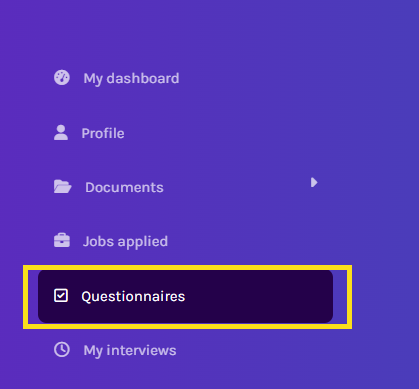
Log in at atlas.workland.com, then go to the Questionnaire section.
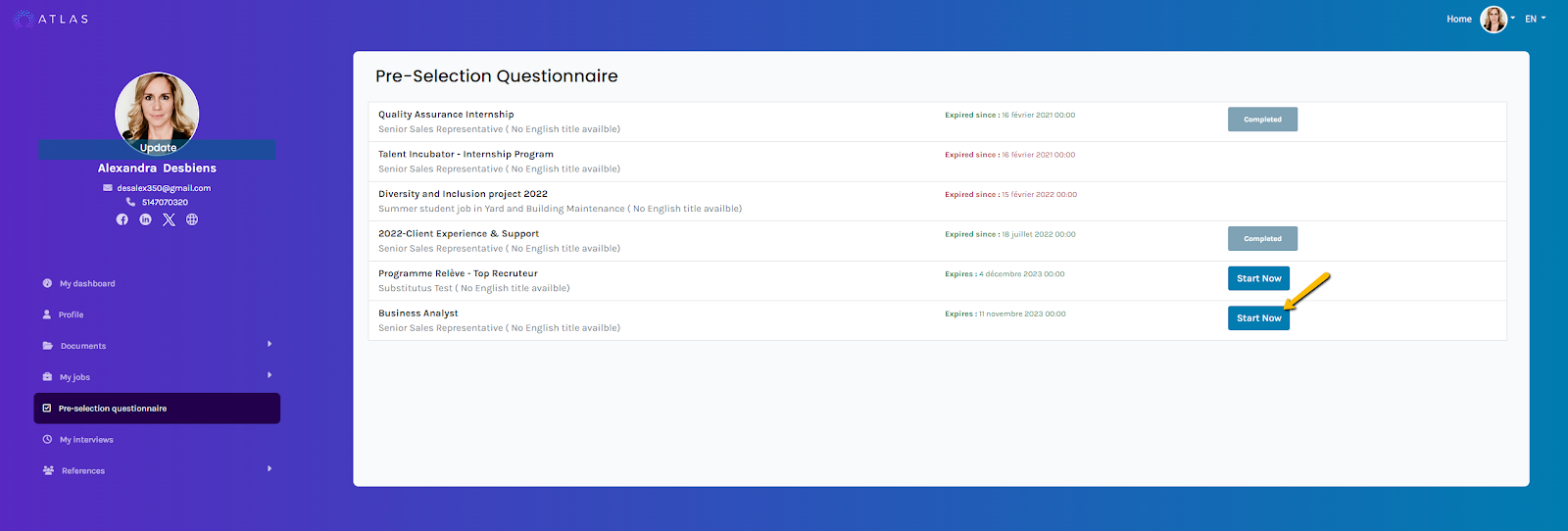
You can complete the questionnaire by clicking “Start Now.”
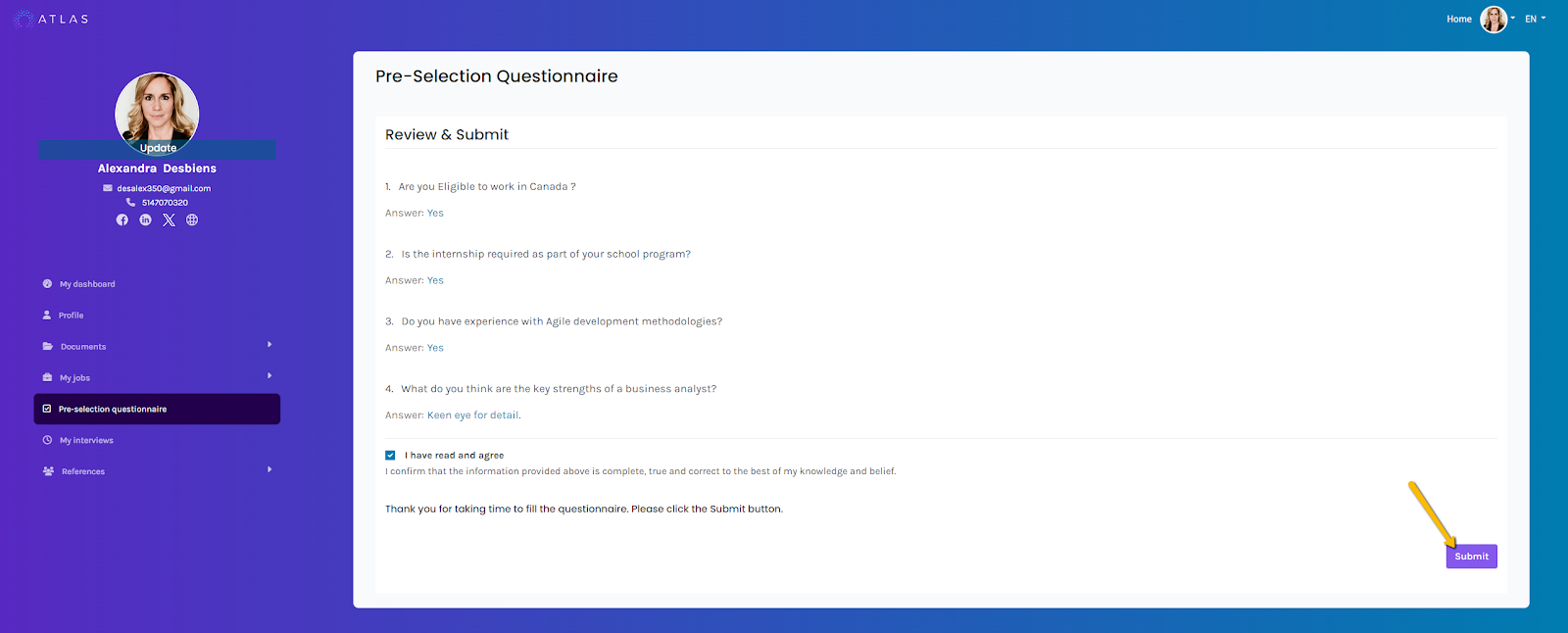
Once completed, submit the questionnaire to share your information with the employer.
The employer refers to the company you are applying to. ATLAS by Workland is the platform used to submit your application, but Workland is not the employer unless you are applying directly to us. Our team is available to support you with any technical issue at support@workland.com.
Frequently Asked Questions:
Q: How can I modify my questionnaire after I have sent or saved it?
A: Once submitted, the questionnaire cannot be changed. You need to contact the employer to find out the procedure to follow.
Q: I don't see the questionnaire I was asked to complete.
A: If you received an email inviting you to answer additional questions after your application and you don't see it, please make sure you're logged in with the correct email. Each account is associated with a unique email.
Link to our FAQ page for more articles: support.workland.com
Was this article helpful?
That’s Great!
Thank you for your feedback
Sorry! We couldn't be helpful
Thank you for your feedback
Feedback sent
We appreciate your effort and will try to fix the article