You can follow the progress of your applications by logging into your account at atlas.workland.com.
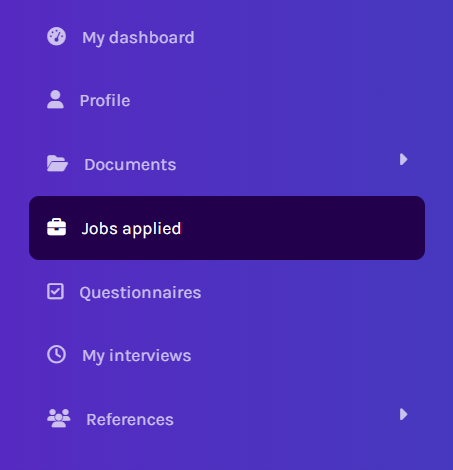
In the Job applied section, you will find a list of the positions you have applied for, as well as those for which your application is still incomplete.
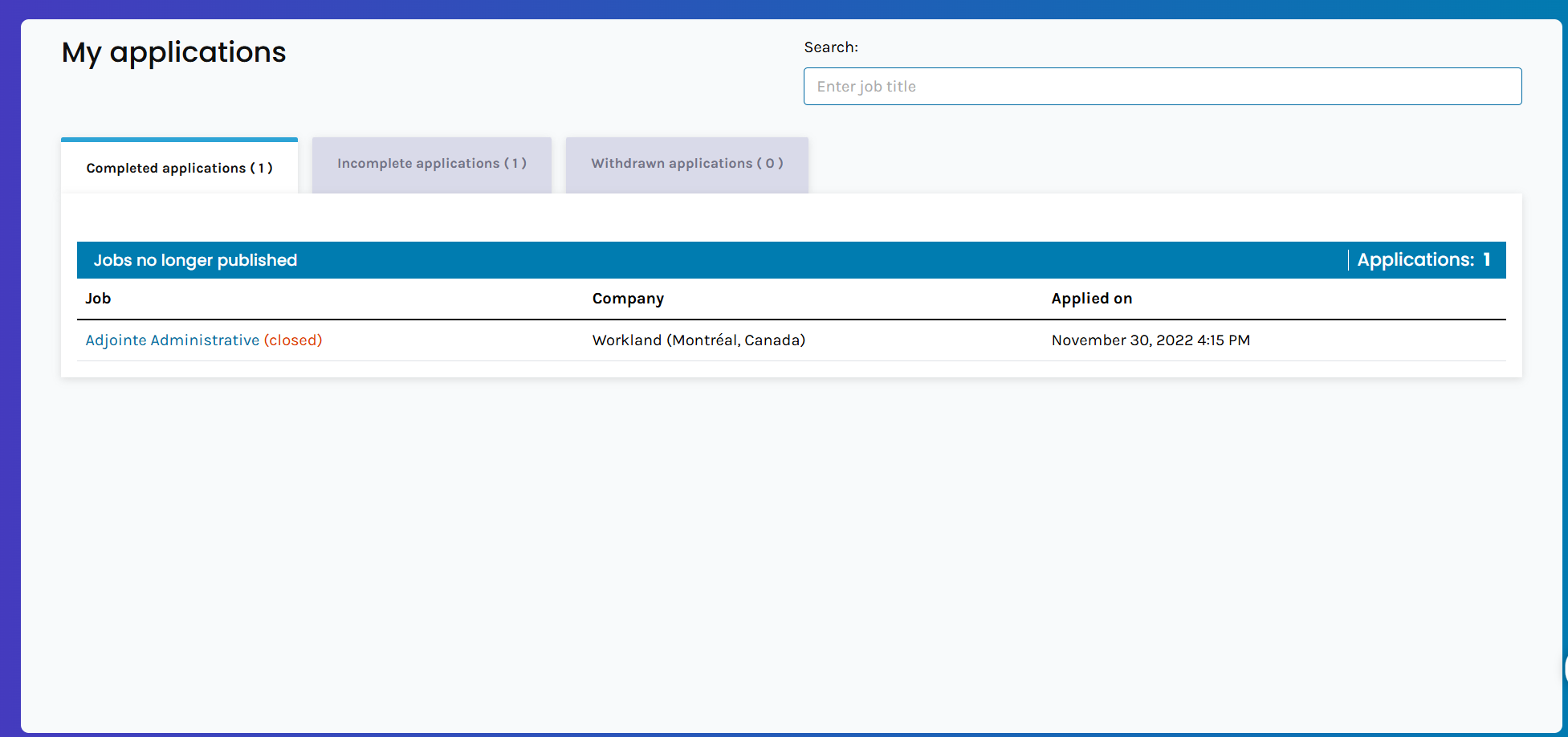
If your application is incomplete, click on the job title (shown in blue) to be redirected to the application form. The “Return to application” option will allow you to complete it.

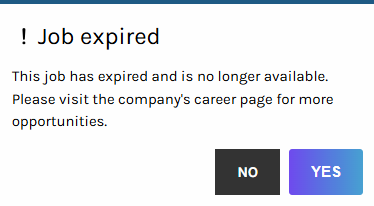
Please note that once a job posting has expired, it is no longer possible to submit or complete an application for that position.
For any questions regarding a hiring process, we recommend contacting the employer directly.
Frequently Asked Questions
Q: Why did I receive a message asking me to complete my application?
A: If you received a message asking you to complete your application, this means that your application is currently incomplete and has not yet been submitted to the employer.
Please log in to your account and go to the Incomplete Applications section to complete and submit your application.
Link to our FAQ page for more articles: support.workland.com
Was this article helpful?
That’s Great!
Thank you for your feedback
Sorry! We couldn't be helpful
Thank you for your feedback
Feedback sent
We appreciate your effort and will try to fix the article