Link to our FAQ page for more articles: support.workland.com
If you’d like to delete your candidate profile, we’re happy to help ?
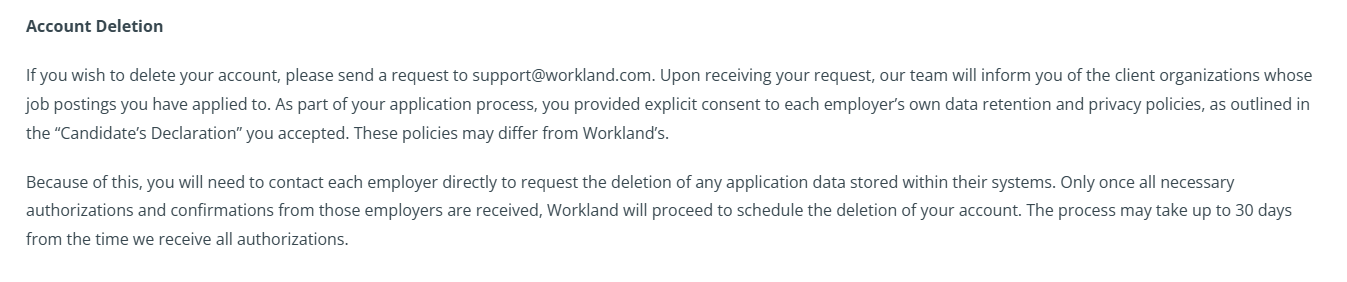
Before we can proceed, we need authorization from each employer you applied to. This allows us to make sure your personal information is removed not only from our platform, but also from the employers’ systems.
How it works
- You can see the list of employers you’ve applied to by logging into your candidate profile. If you prefer, you can also email us at support@workland.com, and we’ll be happy to help you find this information.
- Reach out to each employer and ask for written confirmation that they approve the deletion of your data from their systems.
- Once you have these confirmations, forward them to us, and we’ll take care of deleting your candidate profile.
Your privacy is important to us. We handle all personal data with great care and in full compliance with our privacy and data-protection policies.
Was this article helpful?
That’s Great!
Thank you for your feedback
Sorry! We couldn't be helpful
Thank you for your feedback
Feedback sent
We appreciate your effort and will try to fix the article