Link to our FAQ page for more articles: support.workland.com
Want to save your favorite jobs to apply later?
1. Log in to your candidate portal at atlas.workland.com
2. On a different tab, visit the career page of the company you're interested in. You should be able to find their career section on their website. Make sure you're on the ATLAS-related career page by checking the URL.
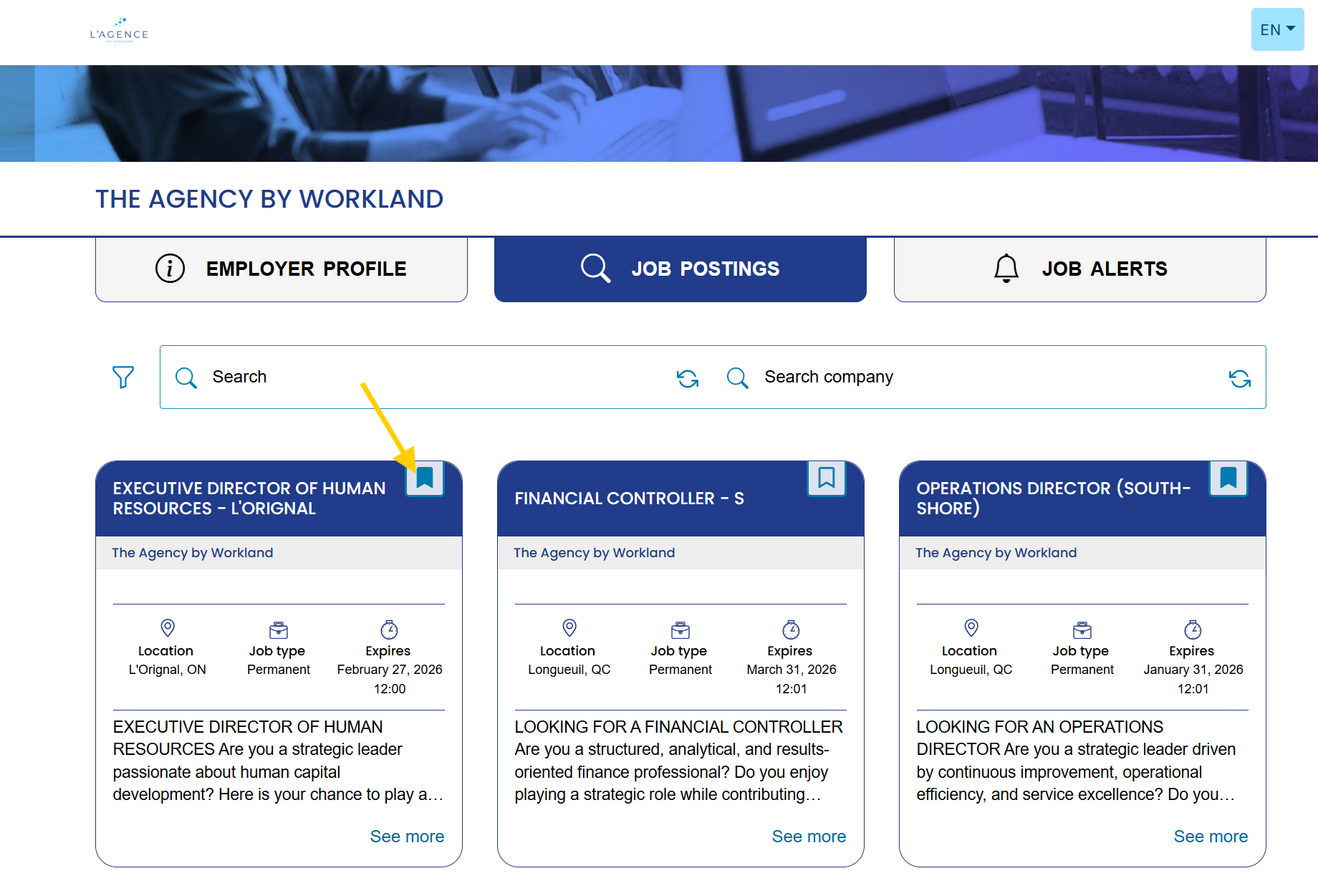
3. Select the jobs that interest you to save them as your favourites. If you do not see the save icon on the job, you are not connected to your candidate account, you have to go back to the first step.
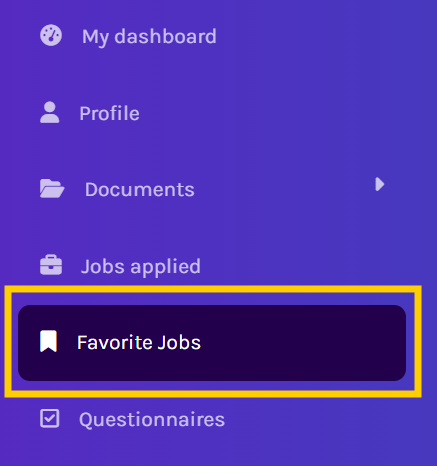
4. Click back to your candidate portal, go into the section and select "Favorite Jobs". Please refresh if you don't see any.
5. Once you're ready to apply, click on the links in order to be redirected to the job application. Make sure your documents are already downloaded in "My documents" so you can use the cloud when applying. You may use the star on the right to delete your favorite from the list.
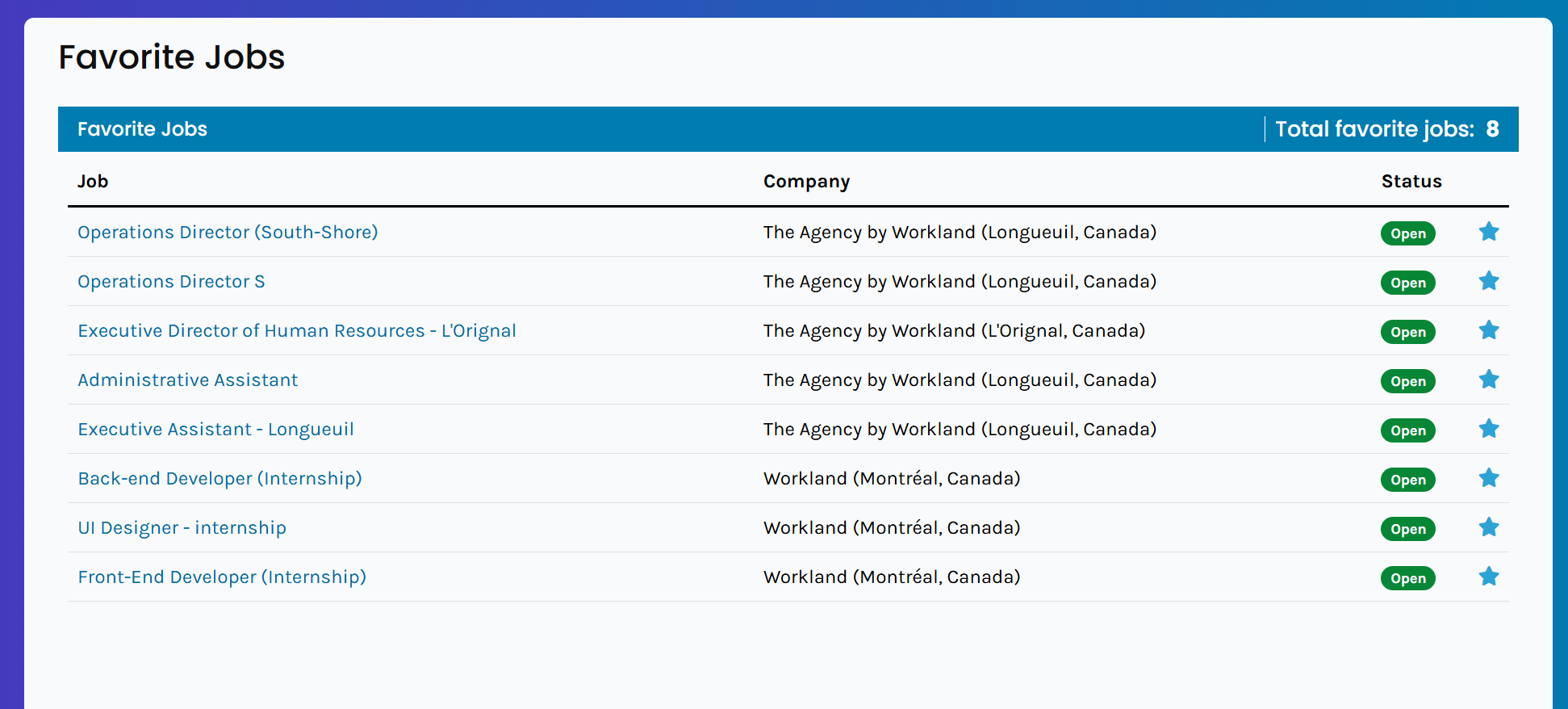
Note: Status is relate to the job posting and not the status of your application. For example, Open means that the job is still published and that you can still apply. Was this article helpful?
That’s Great!
Thank you for your feedback
Sorry! We couldn't be helpful
Thank you for your feedback
Feedback sent
We appreciate your effort and will try to fix the article